MP3 Bitrate Engine
Set constant bitrate levels. Choose 192, 256, or 320 kbps. Perfect for spoken podcasts. Clean lightweight files.
Codec SetupDirect stream demuxing. Lossless conversion pipelines. Precision bitrate selection for desktop users.
Isolating audio tracks from multimedia containers without generation loss.
Extract clean audio tracks instantly. The demuxer separates streams directly. No re-encoding penalty occurs here. Native sample rates remain intact.
Input video URLs or files. The engine bypasses video rendering. Memory overhead drops significantly. For complete capture setup, review the Video Stream Capture workflow.
Direct demuxing copies source packets. It operates at bus speed. Target PCM data retains precision. Output files write to disk.
Manage heavy file lists easily. Apply predefined container rules. For bulk queue management, check our Batch Processing and Queues technical guide.
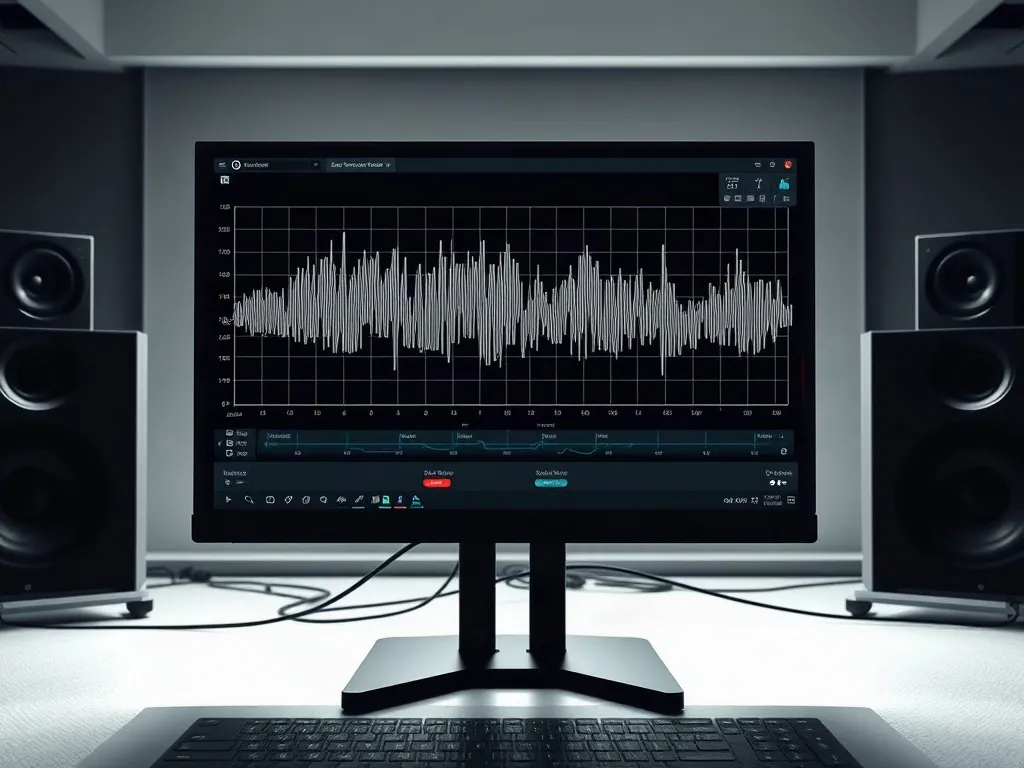
Selecting codecs and target bitrates for clean reproduction.
Set constant bitrate levels. Choose 192, 256, or 320 kbps. Perfect for spoken podcasts. Clean lightweight files.
Codec SetupExport raw linear PCM buffers. Zero compression artifacts. Studio reference quality. Ideal for local timeline editing.
Queue ProfilesWrite metadata automatically. Embed artist and track tags. Keep music libraries organized. Fix parse mismatches.
Tag DiagnosticsExplore complete installation steps and network stream captures for desktop setups.