List Ingestion
Import plain text files directly. The client parses uniform resource locators row by row without manual copy routines.

Structure large video lists. Regulate thread concurrency. Prevent processor saturation with strict execution order.
Process massive media lists without manual input. Automated tasks run in sequence with steady memory footprints.
Import plain text files directly. The client parses uniform resource locators row by row without manual copy routines.
Set concurrency parameters. Cap active downloads to retain network bandwidth for daily office workstations.
Review transaction status lines. Trace failed requests quickly using our integrated error codes and exit registries.
Batch processing removes repetitive desktop interaction. Users can assemble plain UTF-8 text documents containing direct media targets. Place one link per line. Avoid enclosing characters or trailing comma delimiters. The software reads these flat text files sequentially, queuing each item into the internal parser.
When handling hundreds of items, manual entry creates unnecessary delay. Batch lists can be prepared in lightweight editors like Notepad or exported from spreadsheet tools. For proper initial configuration steps, consult our Windows Installation and Setup handbook to verify file permission rules.
Once loaded, the parser analyzes video metadata. Codecs, available audio profiles, and target file lengths are identified before downloading starts.
Simultaneous file operations demand significant bandwidth. Unregulated multi-threaded requests will choke local network routers. Hungarian Markdex recommends setting strict concurrency thresholds depending on your current connection capacity.
In standard British broadband environments, downloading 2 to 4 streams concurrently provides optimal throughput. Raising this figure beyond 6 threads frequently causes server-side throttling. If a task fails unexpectedly, review our guidance on Error Resolution and Network Diagnostics to adjust your socket timeout values.
Video conversion routines consume hardware cycles heavily. When batch encoding high-definition files, the internal FFmpeg backend requires precise thread scheduling. Without controls, encoding processes will monopolize desktop resources, making everyday multitasking sluggish.
Hungarian Markdex recommends adjusting process priority in the system engine to Below Normal or Normal. This ensures the operating system assigns compute priority to active user interfaces, such as slide builders or conferencing tools documented in our Screen Capture for Presentations tutorial.
Assigning fixed core affinity prevents thermal spikes on lightweight laptops. For instance, binding transcoding jobs to 4 efficiency cores keeps performance cores cool and responsive.
Processing hundreds of video assets without clean directory rules creates file disorder. The queue engine provides dynamic sorting patterns using metadata tags. Automatically create subfolders categorized by resolution, date, or source container format.
Utilize built-in substitution variables for naming:
Sort completed items into isolated storage volumes:
When files finish processing, the queue relocates temporary binary chunks directly to the final directory path. This avoids unnecessary drive wear and fragmented sector writes on solid-state drives.
Unattended batch runs require clear logs. The execution logger generates standardized textual records tracking every download and transcode request. When a server drops a TCP connection, the entry notes the exact byte offset and retry count.
Reviewing logs allows immediate detection of corrupt manifests or invalid URLs. Tasks that encounter fatal 404 or 403 HTTP response codes are quarantined without interrupting remaining tasks in the queue.
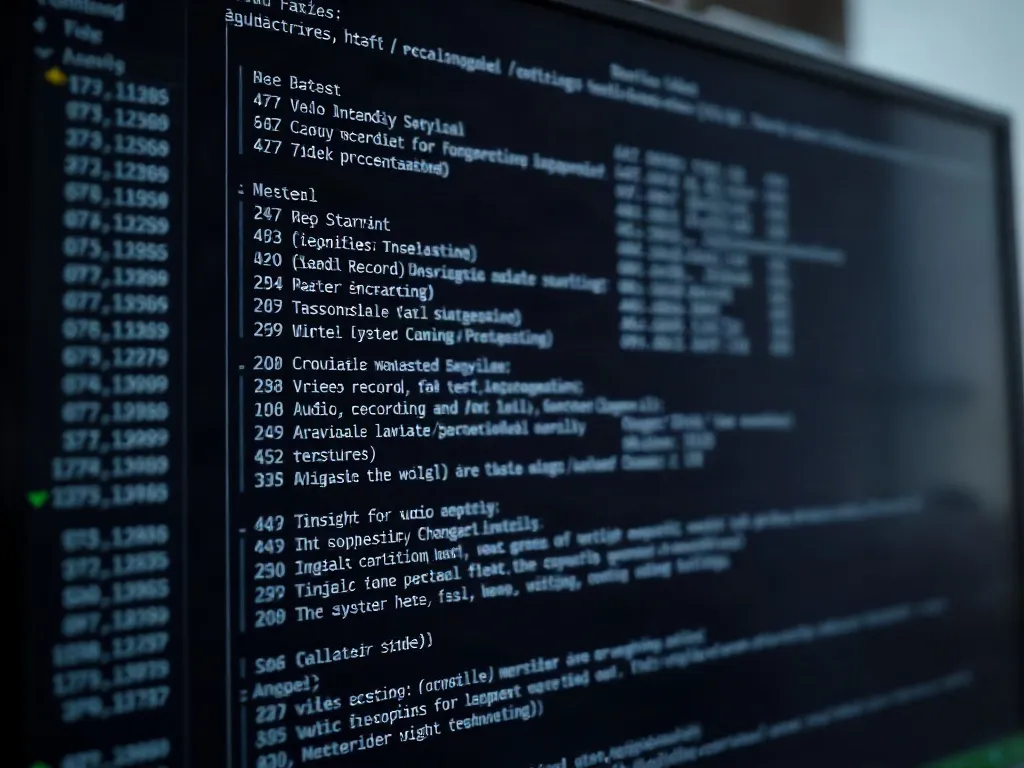
After finishing a batch list, save the execution report for administrative compliance. The document provides verification of completed conversions and hash sums for file validation.
Specific answers for desktop batch configuration.
The software saves pending list states to a recovery file. Upon restart, the engine prompts you to resume incomplete items from the last stored chunk.
Yes. Append a format tag following the delimiter syntax (e.g., URL --preset=mp4_1080p) to override default global profile settings for specific entries.
We recommend limiting files to 1,000 URLs per batch document. Exceeding this figure may increase application memory consumption on machines with 8 GB of RAM.
Encountering network errors or codec mismatch issues? Use our system trace guide to resolve protocol blocks.
This publication and related online materials are developed strictly for technical training, desktop reference, and instructional purposes. All system configurations, workflow recommendations, and command parameters are provided as practical guidelines without commercial warranty.
The materials presented do not constitute licensed consulting or financial advisement. Users are responsible for ensuring software usage adheres to local network policies and copyright requirements in their respective jurisdictions.