Hungarian Markdex Media Technical Guide

Desktop Media Handbook. Complete Control.

Master desktop video conversion. Manage local stream capture. Run audio extraction pipelines.

This documentation provides step-by-step technical instructions. Learn reliable batch conversions. Configure exact audio parameters. Capture presentations without system overhead.

Media Processing Desktop Environment
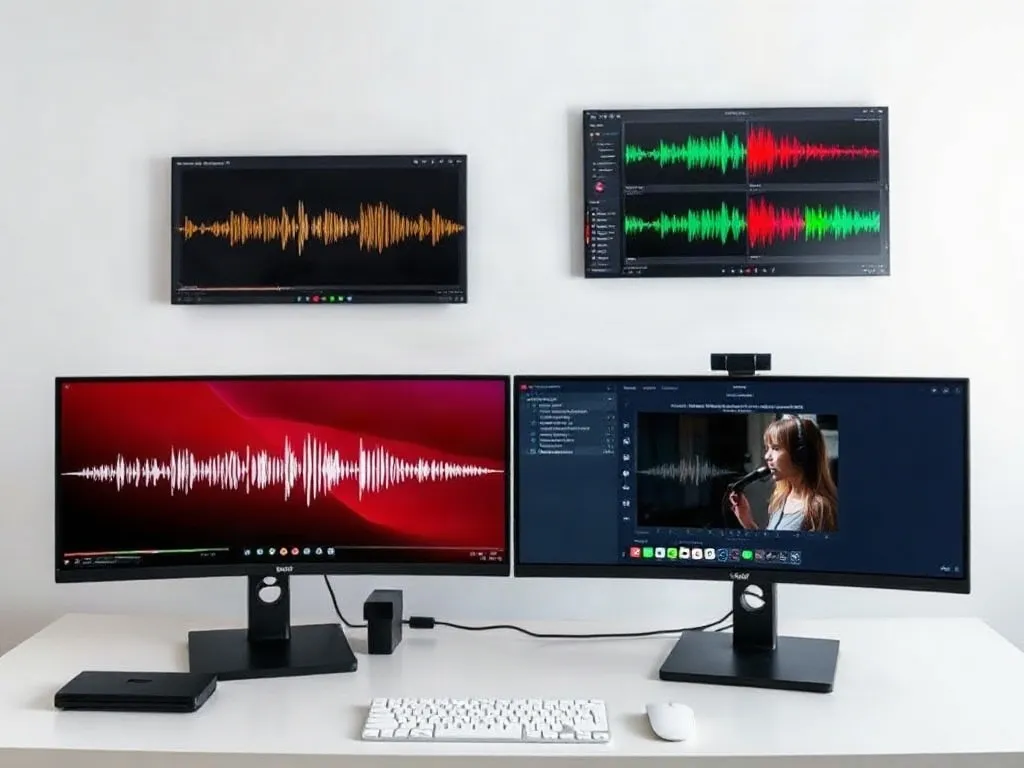
Workstation configuration for media capture and offline encoding.
Technical Verification

Frequently Analyzed Operations

Direct answers to core desktop workflow challenges and container selections.

How to isolate audio tracks from online streams?

Select the direct URL input module. Choose MP3 320kbps or FLAC lossless in output profiles. The software extracts audio without re-encoding video tracks. This method preserves original audio fidelity and saves storage. Detailed parameters are in our Video Stream Capture handbook.

Which profile is best for presentation recording?

Use the built-in screen capture module. Set the region to 1920x1080 at 30 FPS. Enable stereo audio input from the system mixer. This guarantees clear voice and sharp slides. Follow step instructions in the Screen Capture for Presentations tutorial.

Can multiple tasks run simultaneously?

Yes. The queue manager supports multiple URL entries. Set parallel download limits according to your network bandwidth. Restrict CPU thread allocation to prevent system freezes. Full queue configurations are explained in Batch Processing and Queues.

What causes stream connection drops?

Connection timeouts happen due to protocol updates or firewall blocks. Always verify port permissions in your operating system. Check response headers using the diagnostic tool. Review troubleshooting solutions in our Error Resolution Guide.

Magazine Editorial

Core Architecture & Media Pipelines

Stream Demuxing

Local demuxing separates audio and video packets. No server processing occurs. Everything runs on local memory buffers. This maintains file privacy. You retain original bitrates without cloud compression.

Select containers based on output targets. MP4 delivers maximum universal compatibility across hardware players. MKV provides multi-track flexibility for international audio feeds.

Encoder Optimization

Hardware acceleration shifts load to your graphics unit. Set hardware encoding flags in preferences. This speeds up processing tenfold. Lowers thermal output on laptops.

For older workstations, configure fixed quantization parameters. Maintain a balance between disk write speed and picture sharpness. Clean encoding avoids artifacting on high-motion scenes.

Batch Automation

Automation reduces daily manual inputs. Import link text files directly into the engine. The software downloads and converts files consecutively.

Organize destination folders before starting big queues. Specify naming rules with resolution tags. Keeps desktop archives organized and instantly searchable.

Manual Index

Modular Workflow Documentation

Access detailed guides for every software capability.

MODULE 01

Windows Installation

Step-by-step installation for Windows 10 and 11. Custom paths, codec packages, and initial preference tuning.

Open Guide
MODULE 02

Video Stream Capture

Protocol handling for HLS, DASH, and direct MP4 streams. Video resolution presets from 720p to 4K UHD.

Open Guide
MODULE 03

Presentation Recording

Desktop screen recording with synchronized microphone input. Window selection and frame rate caps.

Open Guide
MODULE 04

Batch Queue Engine

List management, multi-threaded conversion queues, CPU governor configurations, and automated file naming.

Open Guide
MODULE 05

Network Diagnostics

Resolving error code 403, stream socket timeouts, missing audio channels, and firewall blocking.

Open Guide
MODULE 06

Setup Requirements

System hardware baselines, required storage throughput, and recommended display resolutions.

Open Guide
Format Matrix

Output Format Specifications

Standard profile parameters verified on desktop Windows workstations.

Format Video Codec Audio Codec Bitrate Range Recommended Target
MP4 (Standard) H.264 / AVC AAC-LC 2,500 – 12,000 kbps Universal Web & Presentations
MKV (HQ) H.265 / HEVC AC3 / FLAC 4,000 – 25,000 kbps Local Archiving
MP3 (Audio) None (Audio only) MPEG Layer-3 128 – 320 kbps Voice Notes & Podcasts
WAV (Lossless) None (Audio only) PCM Linear 16/24-bit 1,411 kbps fixed Studio Audio Editing
WMV (Legacy) VC-1 / WMV9 WMA Standard 1,500 – 6,000 kbps Legacy Office Systems
Implementation Step

Start Your Media Pipeline Setup

Configure your local software installation. Test buffer allocations and audio drivers. Ensure stable daily operations.