Token Forbidden / Expired
Server rejected connection headers. Security signatures expired mid-transfer.
Action: Refresh the source page URL. Copy direct manifest link again. Recheck custom cookie arguments.
Capture Protocol Details →
Network capture pipelines can stall unexpectedly. Protocol shifts cause handshake timeouts. Local codec registries fail silently.
This technical reference resolves capture exceptions systematically. Rebuild DirectShow audio graphs. Reset WinINet socket parameters. Clear corrupt assembly buffers. Maintain uninterrupted desktop media operations.
Specific HTTP codes denote explicit client-side boundary conditions. Match your error log with standard remedies.
Server rejected connection headers. Security signatures expired mid-transfer.
Action: Refresh the source page URL. Copy direct manifest link again. Recheck custom cookie arguments.
Capture Protocol Details →Remote endpoint delivered an empty response header without media payload chunks.
Action: Confirm target stream is public. Verify geoblocking rules through local routing configuration.
Queue Configuration →Target host failed to respond within standard 30-second TCP handshake window.
Action: Increase network socket TTL. Purge stale OS DNS cache. Check local firewall blocking.
Network Tuning →Transport Layer Security protocols upgrade continuously across modern streaming hosts. Legacy Windows environments often attempt connections with obsolete TLS 1.0 or TLS 1.1 primitives. Modern Content Delivery Networks automatically drop these requests without warning.
When security handshakes fail, the engine records an unhandled SSL verification abort. The download queue freezes at zero percent.
Users must verify that local cryptography libraries permit modern elliptic curve handshakes and TLS 1.3 handoffs under standard user permissions.
Windows utilizes the internal Schannel security package for desktop socket streams. Missing registry subkeys can inadvertently block modern ciphers.
Ensure registry parameters under SYSTEM\CurrentControlSet\Control\SecurityProviders\SCHANNEL\Protocols have explicit client values set to enabled.
Audio extraction and desktop screen capture rely on stable DirectShow filter graphs. Outdated dynamic link libraries produce desynchronized output or complete export failure.
For specific screen recording frame-rate settings, consult our dedicated Screen Capture Handbook.
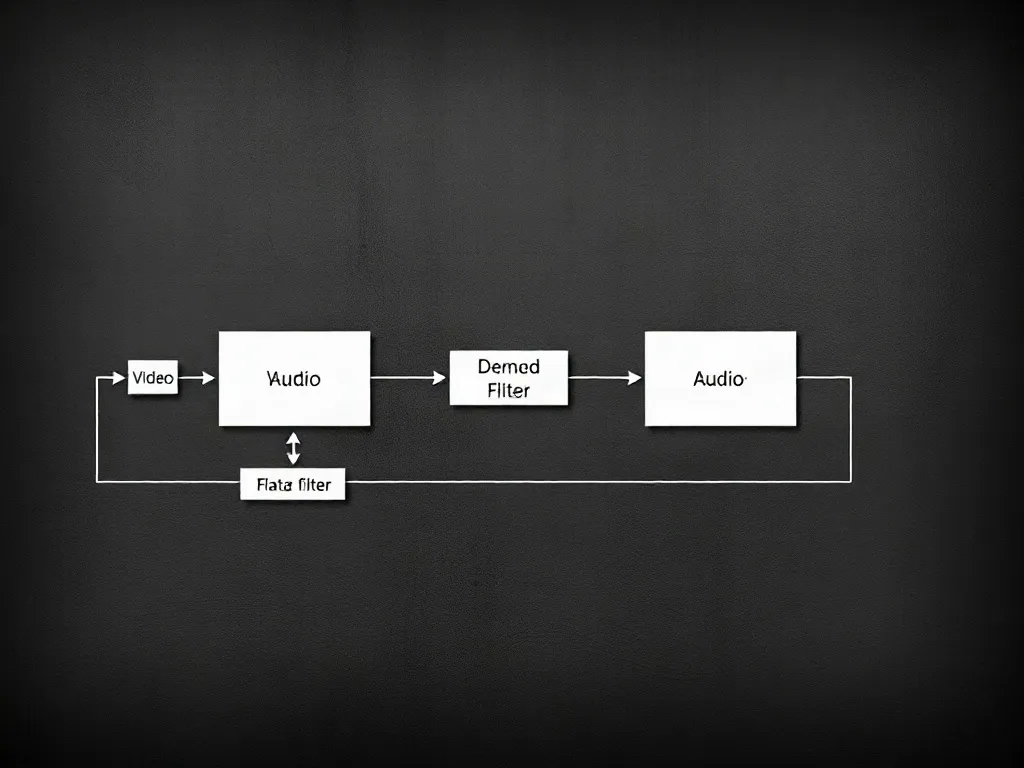
Symptoms: Completed video container lacks soundtrack, or conversion halts at 99%.
Ensure secondary audio rendering threads are not locked by background recording software.
Symptoms: Screen recordings exhibit tinted pink or cyan bands in desktop captures.
Resolve display driver conflicts by updating Intel or NVIDIA graphics controller software.
Symptoms: MP4 box atoms truncated during aggressive live stream termination.
Allows non-linear media players to read file indexes without full container rebuilds.
Regular operational parameters for stable desktop media queuing. Execute routine cache purges to prevent disk lockups.
| Subsystem | Default Value | Optimized Setting | Diagnostic Procedure |
|---|---|---|---|
| Socket Receive Timeout | 15000 ms | 45000 ms | Prevents dropping throttled multi-part chunks. |
| Temporary Cache Directory | %LOCALAPPDATA%\Temp | D:\MediaScratch\ | Avoids OS drive I/O bottlenecks during batch tasks. |
| TCP KeepAlive Interval | 120000 ms | 30000 ms | Maintains NAT state on long live-stream grabs. |
| Max Concurrent Threads | 8 workers | 4 workers | Reduces rate-limiting flags by edge firewalls. |
Perform this routine if task progress indicators freeze permanently or return write-permission faults.
%APPDATA%\HungarianMarkdex\assembly_cache and remove partial .tmp fragments.ipconfig /flushdns.Diagnosed connection parameters ensure clean continuous conversion. Continue reviewing operational practices across queue management and installation modules.